
Before Victory.
Beyond Victory.
 Download VTS
Welcome to a new way to train.

Training applications that set a standard.
Clean, understandable tools: Take control of your learning environment with tools that allow you to display and highlight information, organize notes, and build layouts to match any style of teaching or learning.

Digital twin quality.
All government owned.
Dive deep into any component at any time with dynamic breakdowns, a user-controlled cut-away tool, 3D animations and a detailed labeling system.
Additionally, government-owned 3D means that content is consistent, modifiable, and most importantly, not owned by or locked behind specific OEMs.

Content built with intention.
- Fully-featured 2D playback system
- Self-guided experience
- Detailed 2D graphics and animations
- Comprehensive navigation
- Extensive tools and notes

Global and Secure
Training is unique with CAC authentication that not only secures access to licensed training but also ensures students only see the curriculum they need to.
This is just one benefit of VTS's current ATO through the US Army's PEO Aviation command. This ATO authorizes VTS to be installed on government computer systems and ensures that VTS adheres to the rigorous security requirements of the RMF process.
Your new hub for training.
Every course, any level of IMI, all available on the Virtual Training Suite, a platform built from the ground up for students, instructors, and life-long learners.
- 100% government-owned
- Modular Open Source Approach (MOSA)
- Digital twin effort
- Configuration management
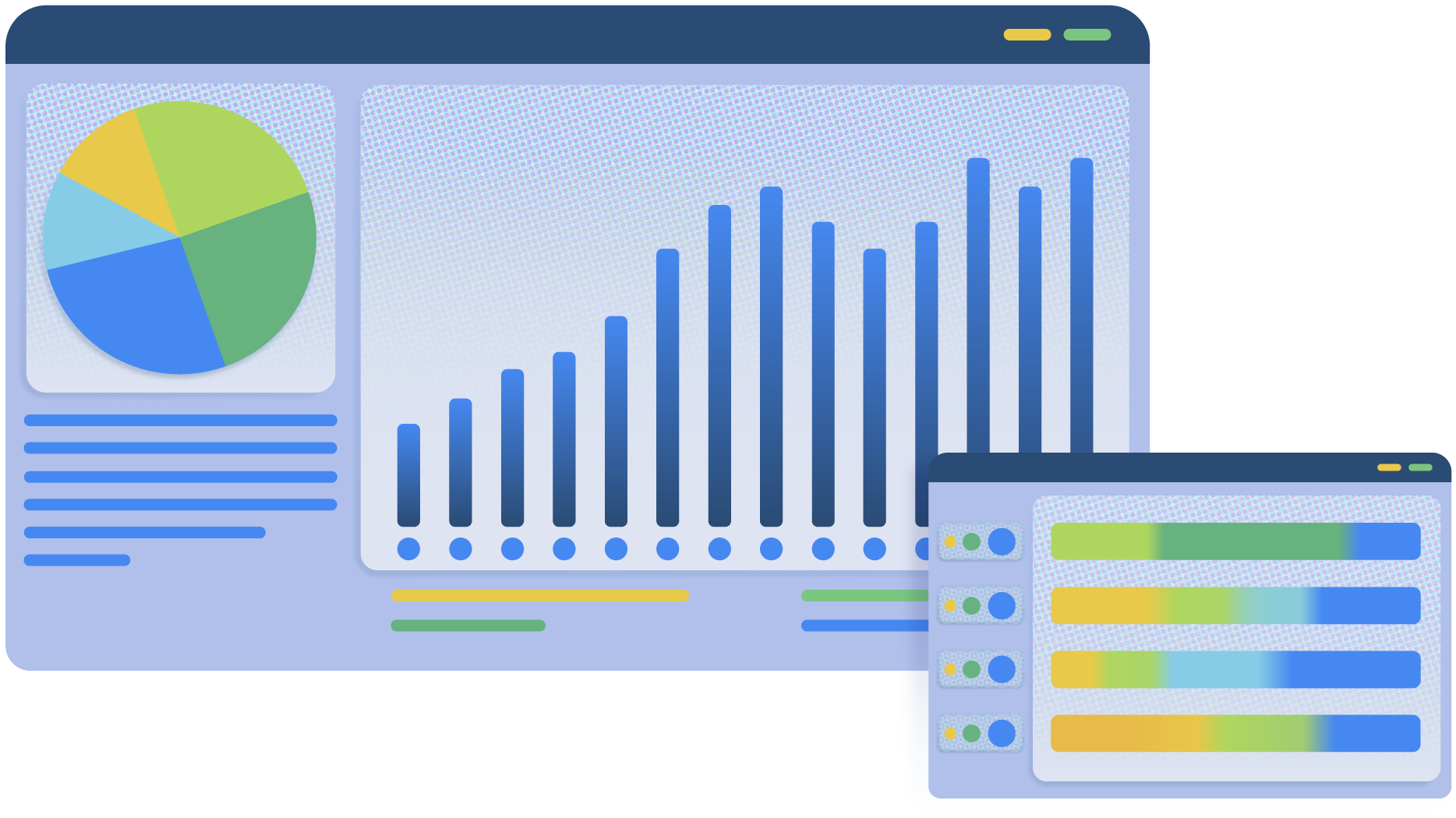
Analytics, anytime, anywhere.
Metrics play an important role in life-long education. Using customizable Rubix Dashboards to track data on VTS usage is simple.
- VTS Field Version info
- Live user tracking organized by rank, platform, and location
- Lesson access and usage per user
These metric inquiries and more can all be easily exported in a wide variety of reports with the use of Rubix.